A product picker for Storyblok, built from one sentence
Search a shop's catalogue inside the editor and store the product with a small snapshot, so the teaser renders without another request
TL;DR A Storyblok field that lets editors search products and stores the id plus a snapshot. Copy the prompt and build it yourself in about three minutes.
Editors shouldn't have to copy product IDs from a shop backend into a text field. This field lets them search the catalogue right in Storyblok and pick a product by its picture, name and price.
What it's for
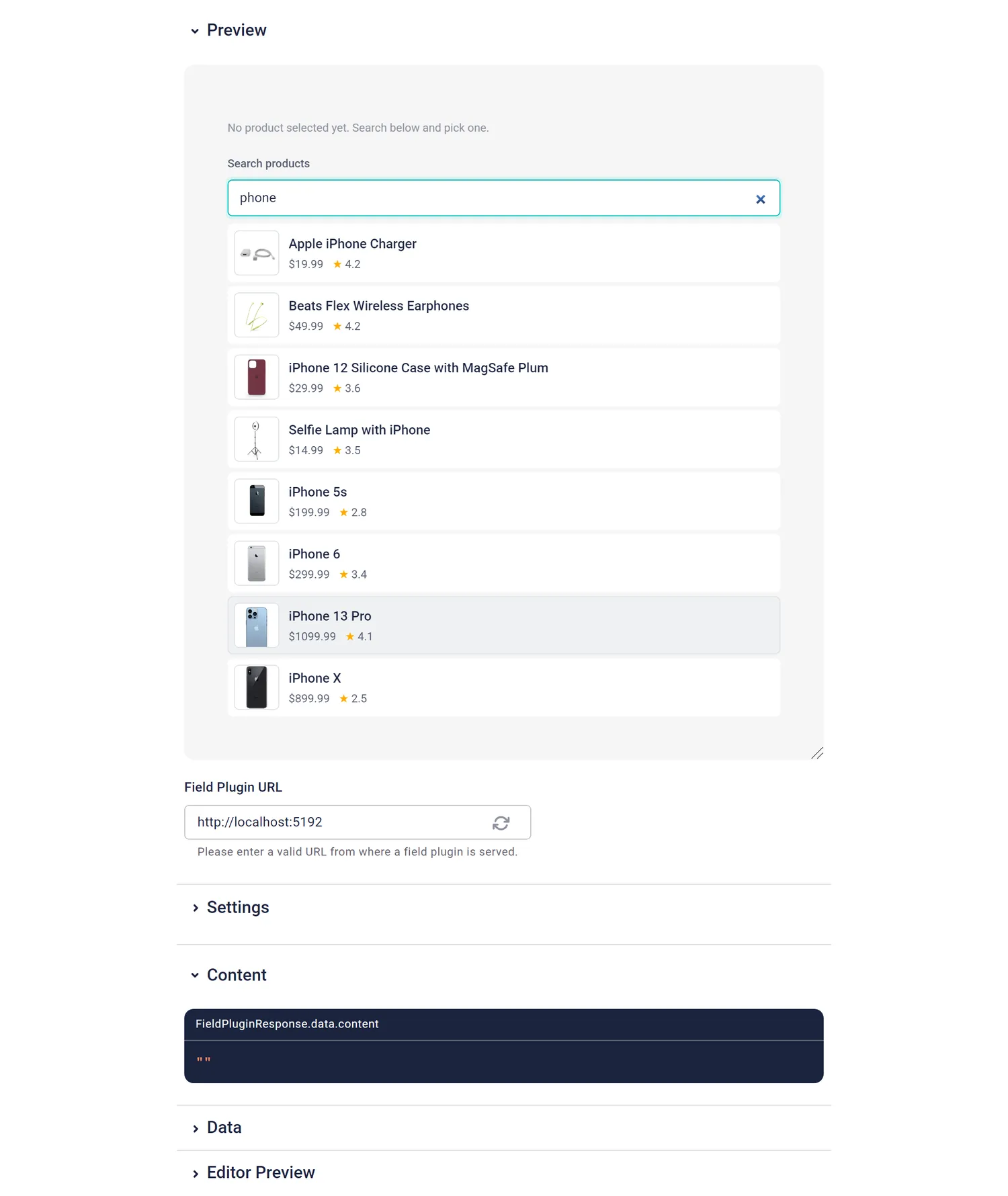
Think of a teaser block on a landing page: "Our pick of the week" with a product image, a name and a price. Without a custom field, a marketer looks up the product in the shop, copies an ID and hopes it's the right one. With this field they type "phone", see the matching products with thumbnails, prices and ratings, and click one. The frontend gets everything it needs to render the teaser. I used DummyJSON, a free API with fake products, but the pattern is the same for any shop API.
What you get
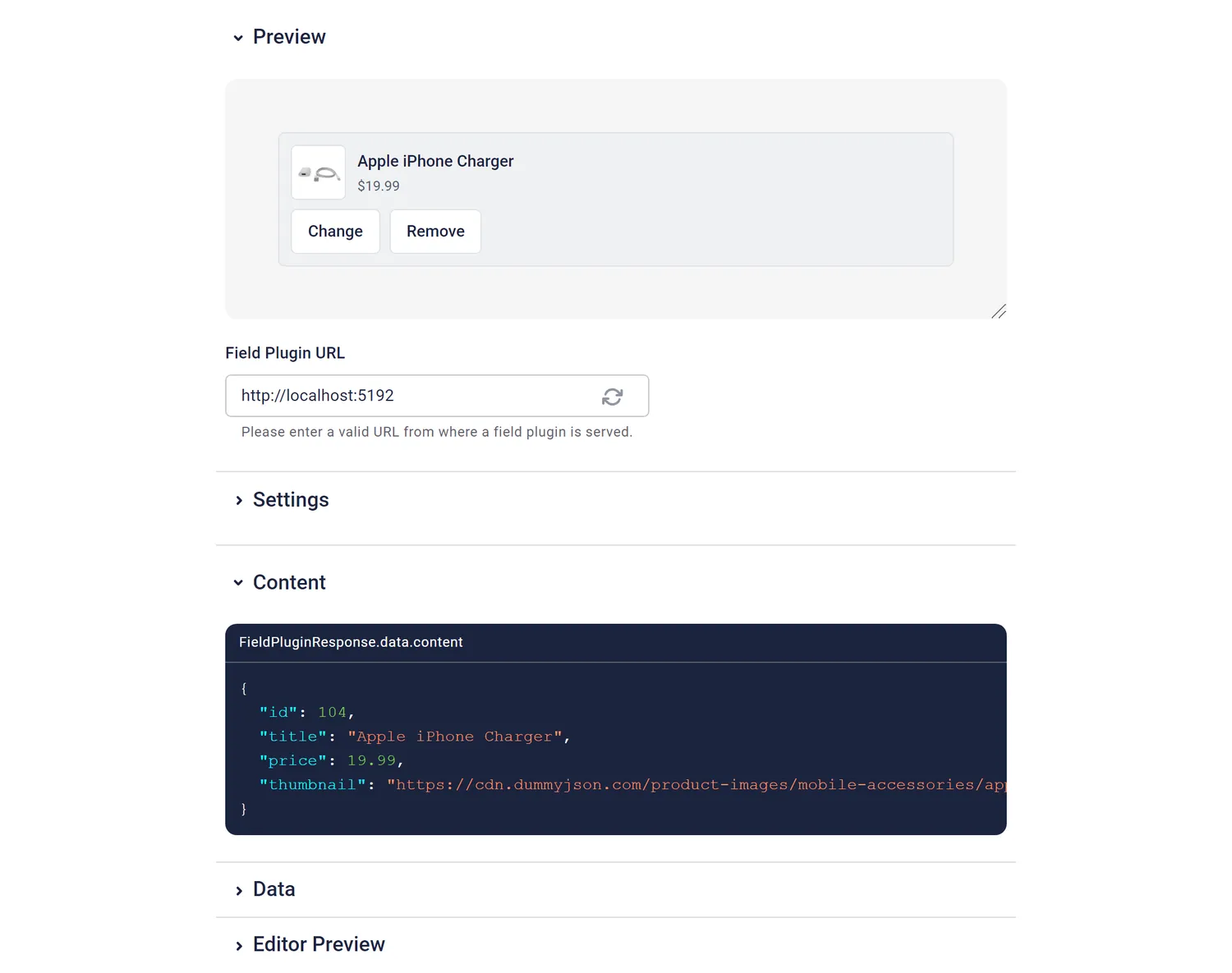
The stored value:
{
  "id": 121,
  "title": "iPhone 5s",
  "price": 199.99,
  "thumbnail": "https://cdn.dummyjson.com/product-images/smartphones/iphone-5s/thumbnail.webp"
}| Option | Default | What it does |
|---|---|---|
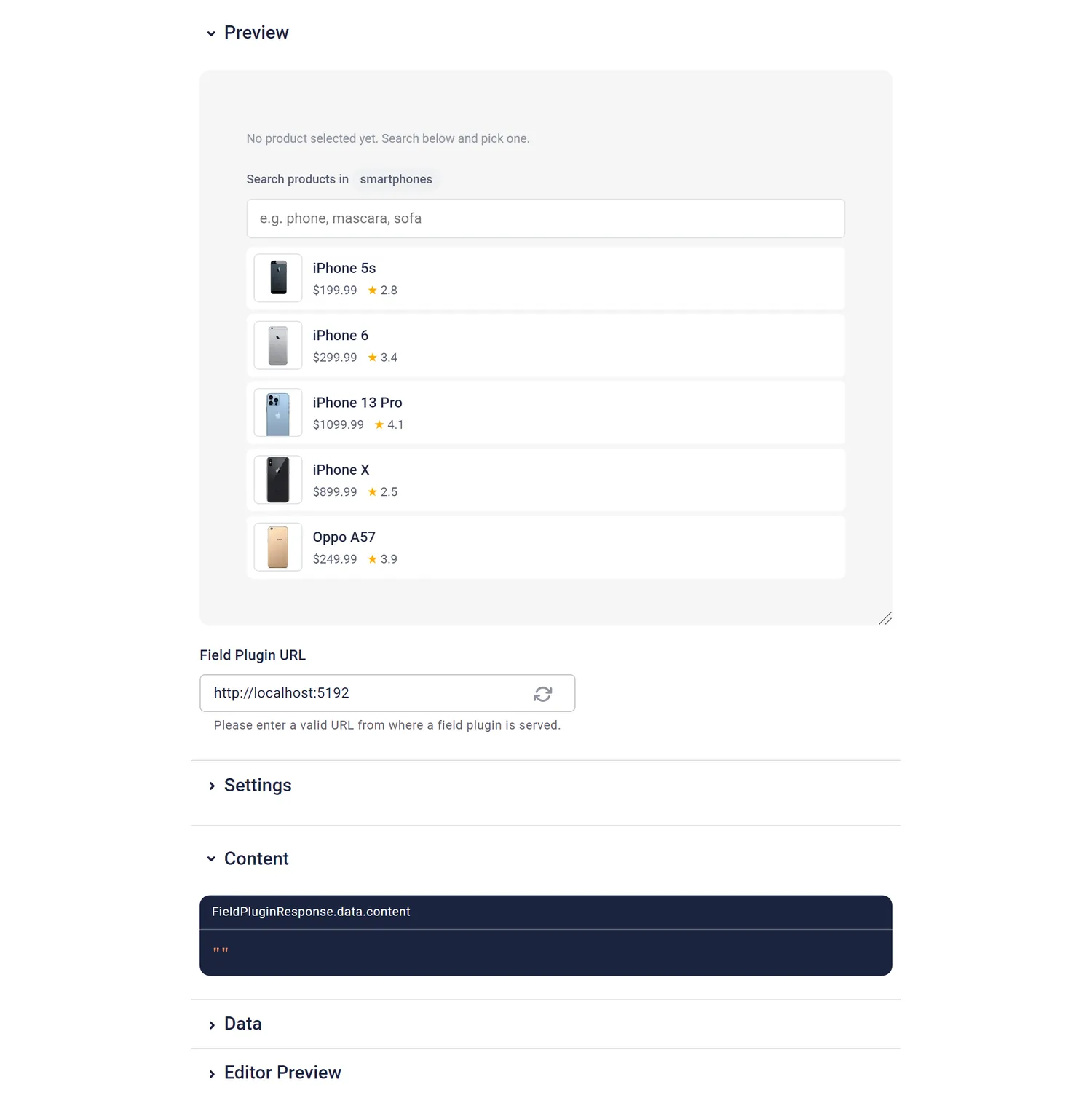
category | empty (all products) | A DummyJSON category slug like smartphones or beauty. Malformed values are ignored. A well-formed slug with no products shows a hint to check the option. |
limit | 10 | Max results shown, 1–50. |
Using it in the frontend
const p = blok.product
{p && (
  <a href={`/products/${p.id}`} className="teaser">
    {p.thumbnail && <img src={p.thumbnail} alt={p.title} />}
    <h3>{p.title}</h3>
    <span>${p.price.toFixed(2)}</span>
  </a>
)}
The snapshot doesn't update itself. For live stock or the current price, fetch the product by id.
What I learned building it
- The id plus a snapshot is the right default. The id stays the source of truth, and the title, price and thumbnail let the frontend render without a second request. That became a rule in the guide for every field that picks from an external API.
- Unit tests were green, and the search was still wrong. A browser walkthrough in Storyblok's field plugin sandbox found it. The field asked the API for 10 results, but the API matches titles and descriptions, and the field then kept only the title matches. Searching "phone" showed 7 products, and "iPhone X" never appeared. The fix loads all matches with a slim
selectand filters by title before cutting to the limit. - The docs promised something the code didn't do. PLUGIN.md said invalid category slugs were ignored. Only malformed ones were. A typo like
smartphoneshowed an empty list with no explanation. Now the docs say what happens, and the field shows a hint. - DummyJSON's category endpoint ignores the search term, so with a category set, the field loads the whole category and searches in the browser. The categories are small, so that's fine here.
This field was generated by a fresh agent from one sentence and the guide, in about 2.2 minutes. The full story is in the article about the original experiment. The other fields: brand color picker, author picker, recipe picker, code editor.