A fullscreen recipe browser for Storyblok, built from one sentence
When a picker needs room, open it fullscreen, and keep a compact card in the form
TL;DR A Storyblok field with a fullscreen browser, search and filters, and a compact card in the form. Copy the prompt and build it yourself.
Some choices are visual. Picking the "recipe of the week" from a list of names doesn't work. You want to see the dishes. This field opens a fullscreen browser with search and filters, and leaves a small card in the form once you've picked.
What it's for
A food magazine features one recipe each week. The editor wants to browse: desserts, easy ones, something Italian for dinner. Storyblok lets a field plugin switch to fullscreen, so this field uses that for browsing with search and filters, then goes back to a compact card in the form. The frontend gets the id, name and image, which is enough for a teaser, and can load the full recipe by id when it needs ingredients and steps. The recipes come from DummyJSON, but the pattern fits any visual catalogue: case studies, events, videos.
What you get
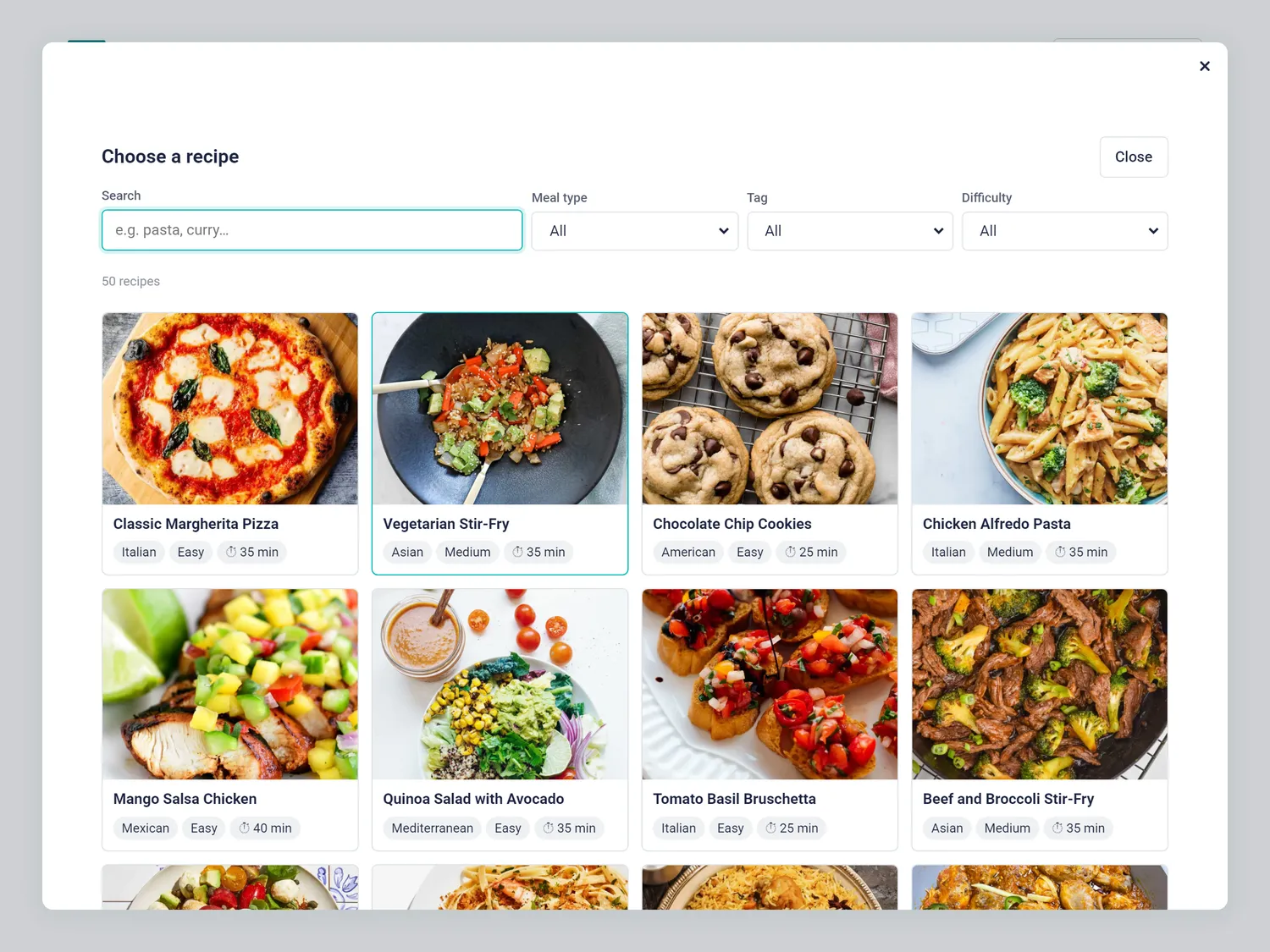
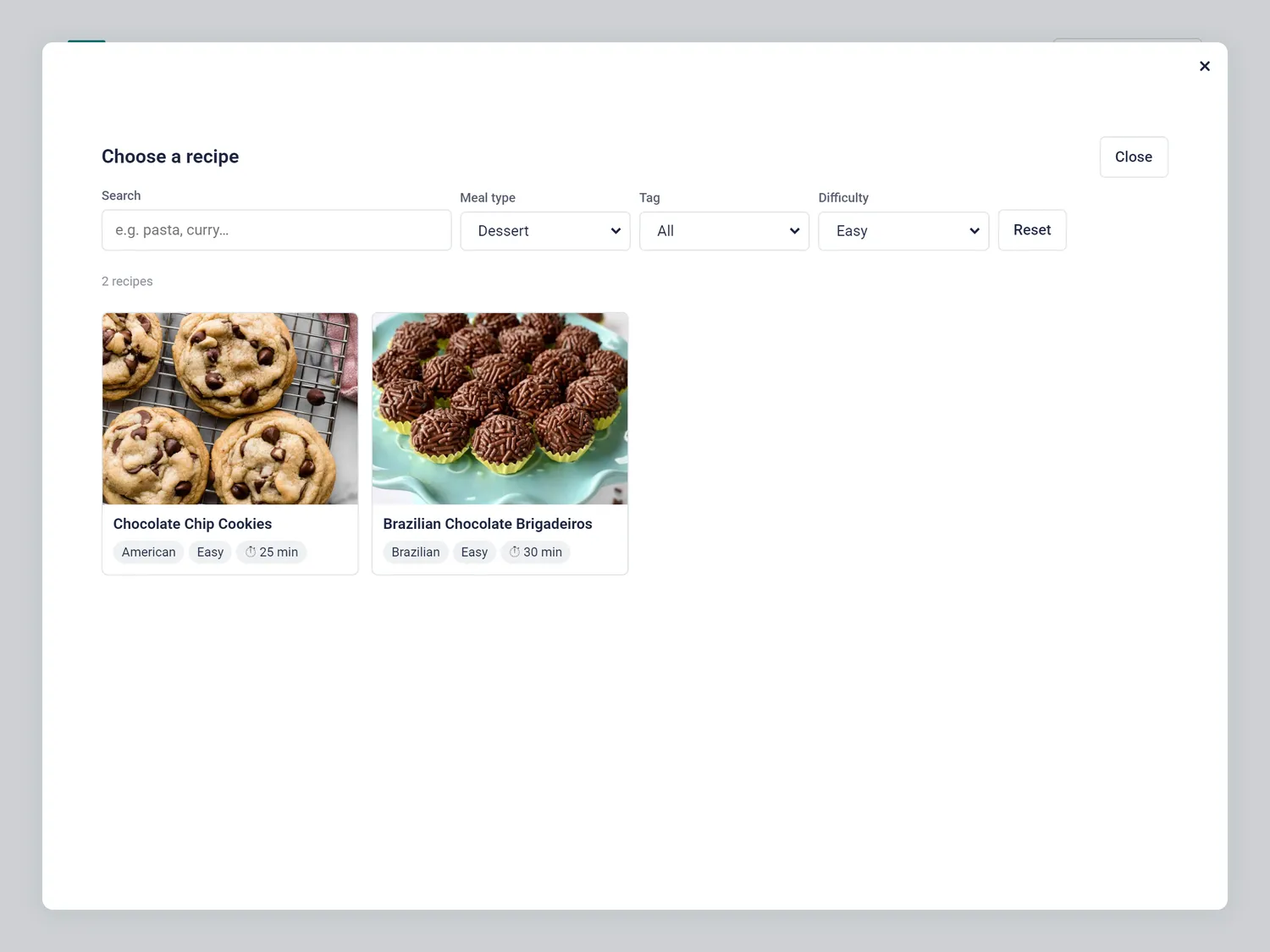
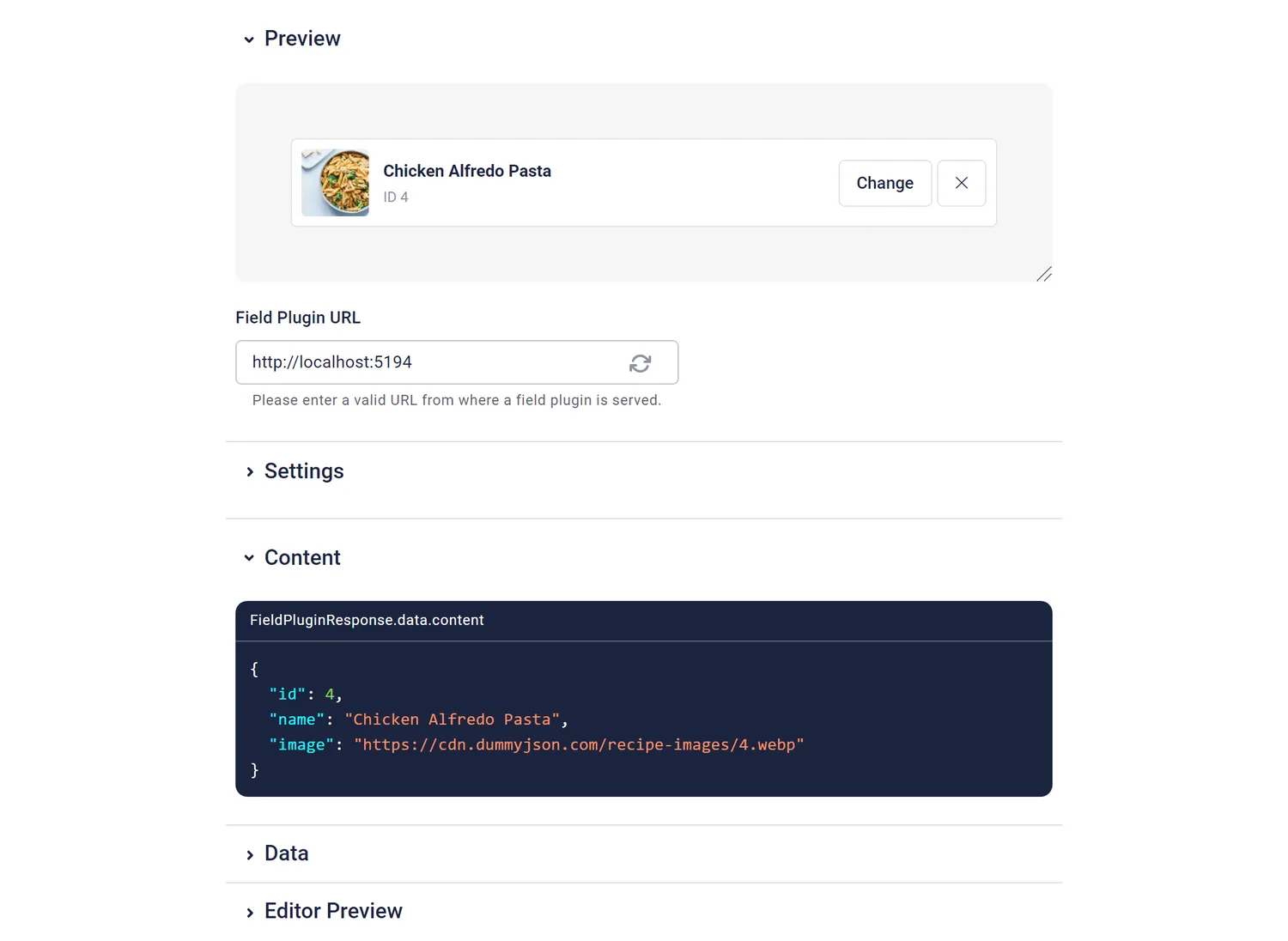
The stored value:
{
  "id": 1,
  "name": "Classic Margherita Pizza",
  "image": "https://cdn.dummyjson.com/recipe-images/1.webp"
}| Option | Default | What it does |
|---|---|---|
mealTypes | Breakfast,Lunch,Dinner,Snack,Dessert,Appetizer,Side Dish,Beverage | Meal types offered in the filter. |
pageSize | 12 | Recipes shown before "Show more". |
Using it in the frontend
const recipe = blok.recipe_of_the_week // { id, name, image } | null

{recipe && (
  <a href={`/recipes/${recipe.id}`}>
    <img src={recipe.image} alt={recipe.name} />
    <h2>{recipe.name}</h2>
  </a>
)}
For ingredients and steps, fetch https://dummyjson.com/recipes/${recipe.id}.
What I learned building it
- Real APIs are messy. DummyJSON accepts one filter per request, so the field sends the most selective one to the server and applies the rest in the browser. The data also mixes "Snack" and "Snacks" and has no "Hard" recipes. The guide now says to only offer filter values that exist. This field was generated before that rule, so its difficulty filter still offers "Hard".
- The modal needs a way out. The agent that built this field pointed out that my guide said nothing about closing a modal with Escape. The field closes on Escape, and the rule is now in the guide: Close button, Escape, and close after a pick.
- A CSS order bug no test would catch. I asked for more padding in the fullscreen view. The padding rule had been there all along, but the template loaded its shared
ui.cssafter the field's own CSS, so.sb-field { padding: 2px }won at equal specificity. The fix here is a more specific selector, and the template now loadsui.cssfirst, so every future field's CSS wins. A screenshot showed it right away. - Two close buttons. Storyblok's modal has its own "×", and the field adds a "Close" button. Both work. It's cosmetic, so I kept both.
This field was generated by a fresh agent from one sentence and the guide, in about 2.7 minutes. The full story is in the article about the original experiment. The other fields: brand color picker, product picker, author picker, code editor.